Become a MacRumors Supporter for $50/year with no ads, ability to filter front page stories, and private forums.
That is expected as you are downloading via the beta route, which only offers full install images, not the delta that is pushed out via the normal public release route

Interesting. My iPad got offered 18.7.3 without any beta signups. If I'm careful to press back from the screen offering me the 26 disaster.

My iphone is on 18.7.2 and it only gets offered 26.
 
  • Like
Reactions: Wx_Man
Hi Terry2023, You write: “It appears too much black on the screen tends to cause it.” I made the same observation with my 2021 BenQ PD2700U monitor connected via HDMI to a Mac Mini M2 Pro, macOS Sequoia 15.7.3. Often, a web page in Safari that is predominantly black is enough to cause the screen to flicker. Changing websites eliminates the flickering effect.
 
Apple's Studio Display was launched in 2022, if I'm not mistaken, with a chip and a full-fledged operating system at its core. A question for users of this screen: what advantages have you gained from this proprietary and unprecedented technology from the American company?
As for Apple, it has never revisited this technical choice, offering any justification. Is it, once again, a very expensive, unfinished, and superficial product?
 
I don't have a Studio Display, but I have noticed a flickering on my MacBook Pro (M1 2020) and its most common when scrolling a document or webpage. I thought my display was dying, after a quick search I found a tip that simply said restart the laptop. It worked. Fixed the issue for about a week, then it slowly started to come back again. A restart always seems to stop it for a while.

My MacBook Pro is running MacOS 26.2 and it still happens occasionally.
 
  • Like
Reactions: Wx_Man


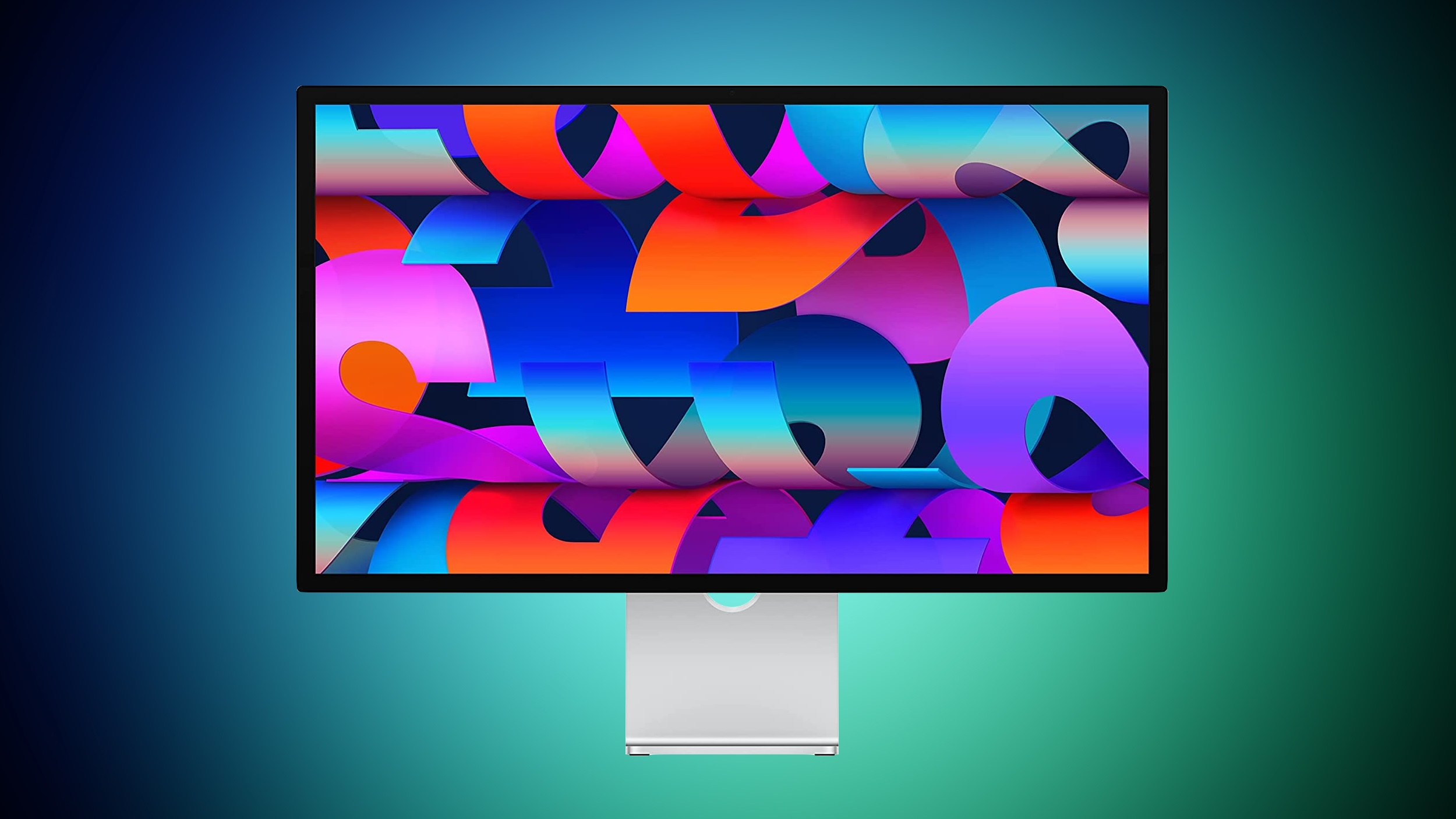
macOS Tahoe introduced a bug that causes a Studio Display connected to a Mac to flicker every so often, and subsequent updates only seem to have made the issue worse.

studio-display-blue-green.jpg

Mac users with the Studio Display have been complaining about intermittent flickering since the update launched in September. There are also complaints from users who have other kinds of displays, so it might be a bug that is affecting more than one type of external monitor.

We have experienced this issue with a MacBook Pro running macOS Tahoe connected to a Studio Display, and the macOS Tahoe 26.1 and macOS Tahoe 26.2 updates haven't improved the situation at all. In fact, the flickering seems to be getting worse in recent days.

Flickering happens most often when switching between apps that feature stark white backgrounds, or scrolling through webpages on light backgrounds. Any app can cause the flickering, and sometimes it just seems to be random. When flickering occurs, it's typically a brief flicker, but the display can also flicker several times in a row for a few seconds at a time. Switching from dark content to light content can almost always trigger a flicker on affected machines.

It's not clear what is causing the issue, but given that multiple Studio Display owners are experiencing it, it's likely some kind of software issue that could be addressed with new Studio Display firmware rather than a hardware problem.

Article Link: macOS Tahoe Bug Causes Studio Display Flickering Issues

And here I was thinking I was going crazy. Glad I’m not the only one with these flicker issues.
 
I guess asking them to test their own hardware with their own software is asking too much in current year.

Waiting to install these garbage updates is the only smart move until Apple starts caring again.


2 Studio Displays connected to an M4 15” Air running Tahoe.

No issues here.
hey dirk, congrats that you're not having issues. do you think that, somehow, negates all the issues others are running into? what an unhelpful post.
 
Oh man you want to try Windows 11 25H2. Now that has more bugs than an abandoned slaughterhouse.
I left Windows behind at the rollout of Windows 8 and went permanently to Ubuntu Linux which I had been experimenting with for years. Then I added a MacBook Pro with the M3 Pro and iPhone 15 Pro a couple of years ago. They will stay on 15.x.x and 18.x.x respectively until at least 27.1 or until Apple pulls their head out of their nether regions and fixes the 26 debacle.

I permanently left Windows for a reason. I didn’t expect Apple to ever release their version of Windows Vista across their platforms. But sadly they have.
 
Interesting. My iPad got offered 18.7.3 without any beta signups. If I'm careful to press back from the screen offering me the 26 disaster.

My iphone is on 18.7.2 and it only gets offered 26.
I just upgraded my iPhone 15 Pro last night to 18.7.3 and my 2023 MacBook Pro to 15.7.4 but you can only do that if you sign up to Apple’s Beta Program. Once you do you and toggle on “Beta Program” you will no longer see v.26 being offered for download and installation on any of your Apple devices.
 
I don't have a Studio Display, but I have noticed a flickering on my MacBook Pro (M1 2020) and its most common when scrolling a document or webpage. I thought my display was dying, after a quick search I found a tip that simply said restart the laptop. It worked. Fixed the issue for about a week, then it slowly started to come back again. A restart always seems to stop it for a while.

My MacBook Pro is running MacOS 26.2 and it still happens occasionally.
Between one observation about the flickering happening at heavy CPU load, one that said turning off GPU dithering using the BetterDisolay App and now your’s where rebooting your MacBook temporarily fixes the issue….could it be we’re looking at a memory leak issue? After all, every Apple Silicon platform uses a unified pool of memory for both the CPU and GPU.
 
It's definitely been happening to me a lot, most noticeably when switching desktops with apps that are light, with an M1 MacBook Pro plugged in.
 
I suppose. Windows also having bugs doesn't really help you or your Mac-using brethren though.
It does help us to judge the state of Apple Quality Control. And compared to the past it’s really bad now. Apple has been flailing about for years now. The Smart Car debacle. The Siri upgrade debacle. The Vision debacle. The Air debacle. The 26 and Glass debacle. And I suspect the Apple Fold debacle will be next. Apple has lost focus and are losing gobs and gobs of key people inside the company to competitors.

It’s time for Tim Cook to retire. He has served the purpose of stabilizing Apple after the death of Steve Jobs. But he’s not a visionary nor a stickler for quality control and the “It Just Works” and “It’s like magic” mentality of Steve Jobs. Tim has outgrown his purpose at Apple. Time to join the exodus from Apple, Tim, and let a fresh visionary have a chance to turn Apple around.

Here’s a Pro Tip, Apple. Hardware is not where the “Magical” user experience comes from. It’s the software that makes the hardware platform “Magical”. Everyone has a gadget. Not everyone has the proper software and operating system to make that hardware “Magical” and “Just Work”. You guys need to remember that.
 
I don't have a Studio Display, but I am experiencing similar monitor blanking/flickering issues on my M4 Pro Mac Mini after updating to Tahoe. It happens whether I use my Samsung 4K display or the smaller portable 16-inch monitor I keep as a secondary screen and only when connected to the computer's HDMI port. I've not seen the problem manifest when using USB-C to DisplayPort 1.4 on the Samsung or USB-C to USB-C via DP-alt mode on the portable screen. This behavior is also seemingly limited to macOS Tahoe as I never experienced such issues while running Sequoia.
 
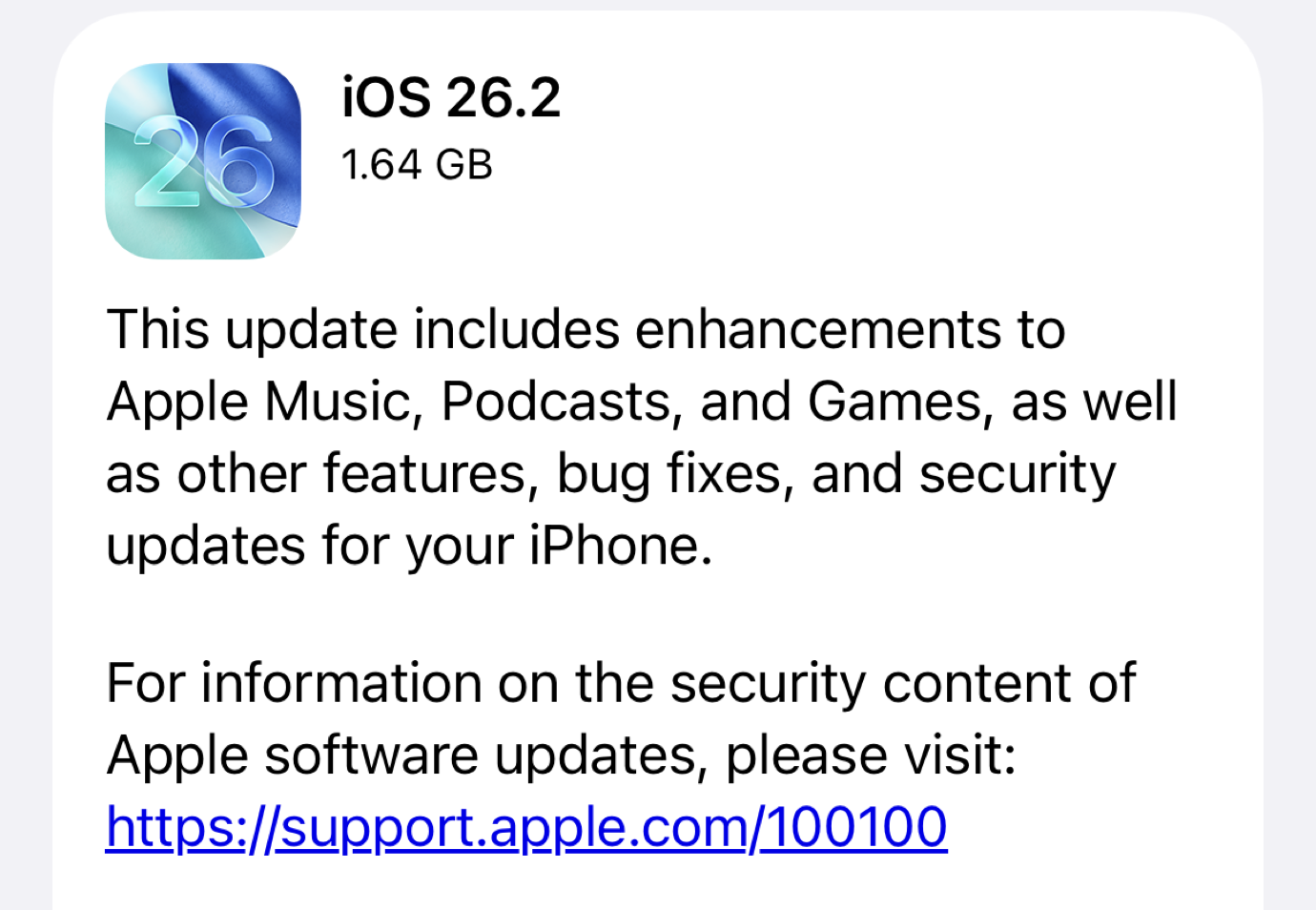
Sixcolors is reporting Apple is purposely removing the 18.7.3 Security Update option for many in order to push people into 26. Once again…and as Sixcolors reminds….you have to sign up for the Apple Beta Program and then choose the “Beta Program” toggle in “General” - “Settings” - “Software Update” and then choose iOS 18….or MacOS 15 in your Mac. Once you do that for your iPhone, Mac or iPad you’ll only see v18 updates on your phone or v15 updates on your Mac. Same for iPadOS.

I will NOT be forced by Apple to move into v26 until I choose to. Screw that !!

 
Register on MacRumors! This sidebar will go away, and you'll see fewer ads.