I am considering replacing my current MacBook Pro, now six years old, with a MacBook Neo. My Pro is the final Intel model and I only bought the Pro because there was nothing else in stock at the time (this was at the height of everyone buying laptops).
My rationale for replacement:
- Battery in the Pro is getting to be a problem (only 90 minutes on Teams calls)
- Touch Bar is flickering
- General age-related concerns (Intel chip)
- I want a blue laptop (so sick of basic silver)
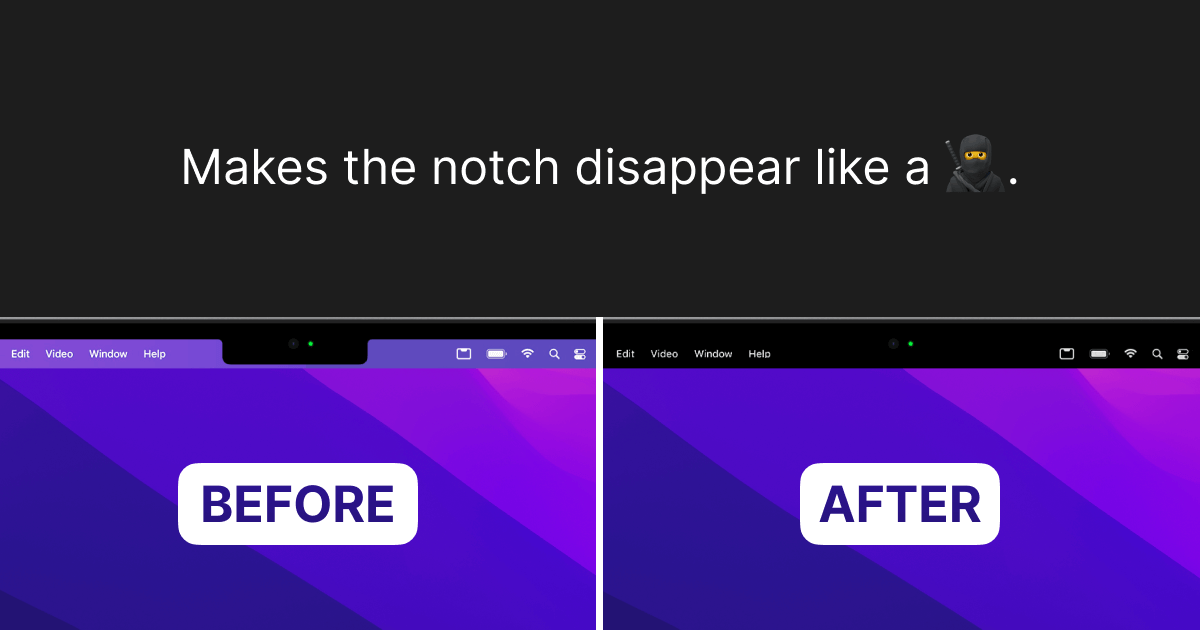
- Only model without a notch
Yet I also have concerns...
- My Pro has 16GB RAM and the Neo wouldn't have as much
- Would I need a new version of Office? (I use Office 2019 and am fine with it; I only buy standalone Office, never subscription)
- Would I feel like I made a major downgrade?
It seems to have what I would need, including a display that supports night shift (which I leave on consistently).
My needs are simple. I use Office (Word, Excel, PowerPoint), Teams, email, sometimes FaceTime, Safari for web browsing. I'm not making movies, rendering CAD drawings, programming, or playing games beyond solitaire. I do have Photoshop Elements (older version) but don't use it much anymore and have FileMaker Pro (also an older version, 18) that I don't use as much as I thought I would. Basically, I do on this computer what I would have done on an iBook G3 a quarter century ago, just newer hardware and an OS I don't like as much (still mourning OS 9).
One thing I know I'd have to upgrade is Parallels, as I do prefer Excel 2000 for some graphing functions. Parallels keeps nagging me about the upgrade so I guess I'll make it at some point (it's honestly why I haven't upgraded my Pro's OS).
Would a Neo be OK for my needs? I don't plan on buying one until the week that separates the school year and the summer so I could migrate if need be; if the computers are on backorder, this also gives me time to order one and wait for it to come in. I did stop in an Apple Store today to look at one today and found the build quality satisfactory and the screen adequate for my needs (as long as it has night shift, it's fine by me).
I think my biggest concern is going from 16MB RAM to a lower amount and not knowing if I will need to buy the new version of Office or if I can just migrate my Office 19 over. I have an external hard drive and will probably just just migrate everything myself if I trade the Pro in.
Having a new battery would be nice. I know I can replace the one in my Pro, but I'd have to deliberately pick a time I wouldn't need a modern computer for a few days.
My rationale for replacement:
- Battery in the Pro is getting to be a problem (only 90 minutes on Teams calls)
- Touch Bar is flickering
- General age-related concerns (Intel chip)
- I want a blue laptop (so sick of basic silver)
- Only model without a notch
Yet I also have concerns...
- My Pro has 16GB RAM and the Neo wouldn't have as much
- Would I need a new version of Office? (I use Office 2019 and am fine with it; I only buy standalone Office, never subscription)
- Would I feel like I made a major downgrade?
It seems to have what I would need, including a display that supports night shift (which I leave on consistently).
My needs are simple. I use Office (Word, Excel, PowerPoint), Teams, email, sometimes FaceTime, Safari for web browsing. I'm not making movies, rendering CAD drawings, programming, or playing games beyond solitaire. I do have Photoshop Elements (older version) but don't use it much anymore and have FileMaker Pro (also an older version, 18) that I don't use as much as I thought I would. Basically, I do on this computer what I would have done on an iBook G3 a quarter century ago, just newer hardware and an OS I don't like as much (still mourning OS 9).
One thing I know I'd have to upgrade is Parallels, as I do prefer Excel 2000 for some graphing functions. Parallels keeps nagging me about the upgrade so I guess I'll make it at some point (it's honestly why I haven't upgraded my Pro's OS).
Would a Neo be OK for my needs? I don't plan on buying one until the week that separates the school year and the summer so I could migrate if need be; if the computers are on backorder, this also gives me time to order one and wait for it to come in. I did stop in an Apple Store today to look at one today and found the build quality satisfactory and the screen adequate for my needs (as long as it has night shift, it's fine by me).
I think my biggest concern is going from 16MB RAM to a lower amount and not knowing if I will need to buy the new version of Office or if I can just migrate my Office 19 over. I have an external hard drive and will probably just just migrate everything myself if I trade the Pro in.
Having a new battery would be nice. I know I can replace the one in my Pro, but I'd have to deliberately pick a time I wouldn't need a modern computer for a few days.