
My Dime Is Up
macrumors member
sleepimage files doesn't seem to exist
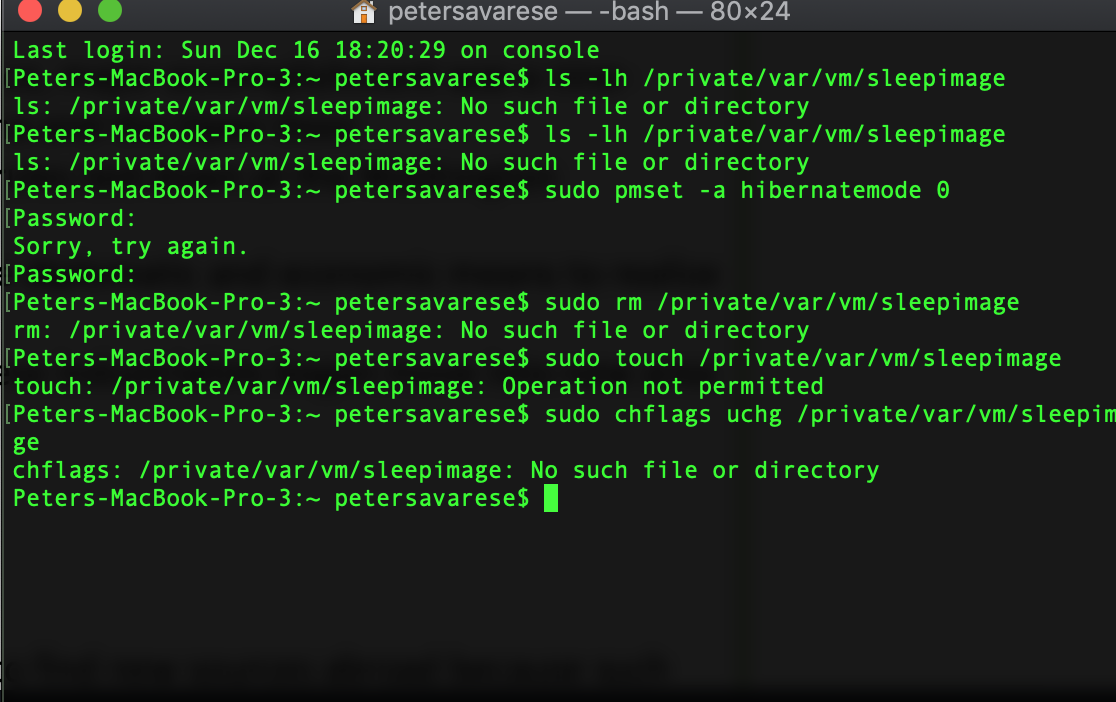
Files that exist
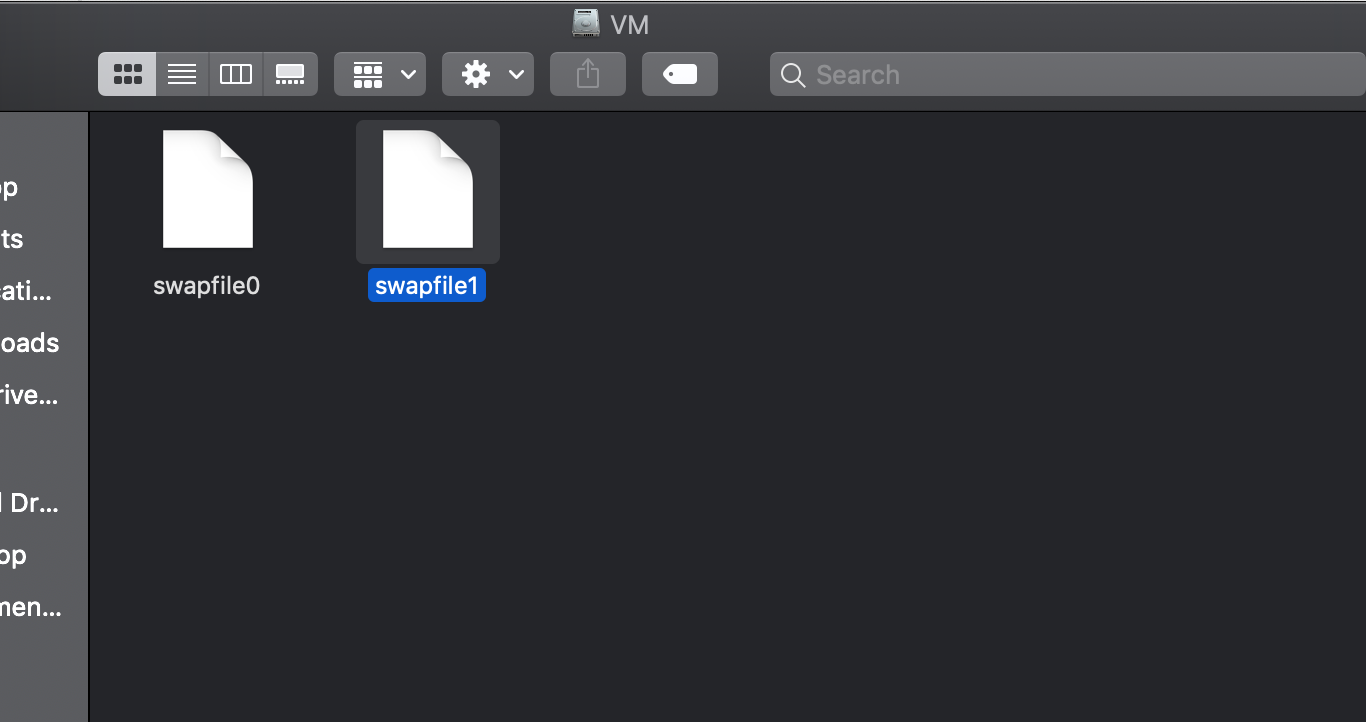

sleepimage files doesn't seem to exist

Run pmset -g to see the power settings.sleepimage files doesn't seem to exist
Says it supposed to be stored in the directory but the file never existsRun pmset -g to see the power settings.
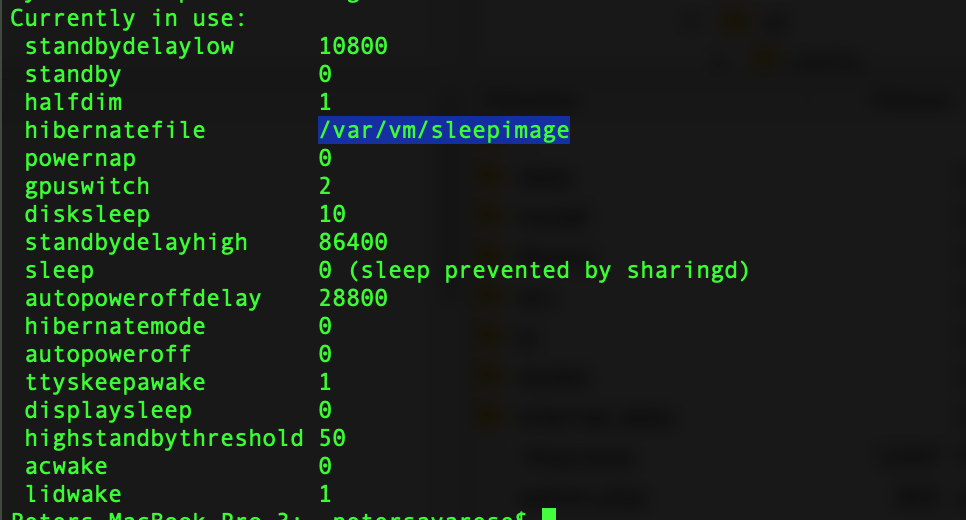
Ok, still any reason why I'm getting crashes and kernel panics. Is this a 10.14 update?I believe Hibernate mode = 0 means the contents in ram are not saved to the SSD which probably explains the lack of a sleep image.
Mode 3 and 25 stores a copy of the ram contents to the drive.
There was a bootrom update with 10.14.1, not with 10.14.2.Ok, still any reason why I'm getting crashes and kernel panics. Is this a 10.14 update?


After clean installing 10.14.2, then migrating from cloned SSD of my drive
YEs, the 970 Evo is known to produce quite a low of heat. It should run a bit cooler once migration is over and the spotlight indexing finished.I just installed the NGFF ST-NGFF2013-C and it arrived from China.
Installed a 970 EVO 512 and am getting great speeds.
Original APPLE SSD was getting 650/716
New Samsung 970 Evo is getting 1350/1500
After clean installing 10.14.2, then migrating from cloned SSD of my drive, the fans were going nuts and the temps seemed high. I don't know what the temps were like before with stock Apple SSD blade, but I notice fans more with this Samsung 970. Has anyone else experienced this?
YEs, the 970 Evo is known to produce quite a low of heat. It should run a bit cooler once migration is over and the spotlight indexing finished.
Oh I'm already on 10.14.2, I was just using 10.14 broadly to specify the whole update.There was a bootrom update with 10.14.1, not with 10.14.2.
An update to the latest Mojave may help.
When I updated my early 2015 13" to 10.14.1, the bootrom was updated even though it was running an Intel 600p internally. It's the first time that my air accepted a bootrom update with a third party internal nvme drive.
My MacBook 11,1 (late 2013 13") is running bootrom 149.0.0.0.0. Maybe your MacBook should be running something similar?Oh I'm already on 10.14.2, I was just using 10.14 broadly to specify the whole update.

So, and what happens when close MacBook? Is it sleeps, or what?I disabled hibernation to avoid the known wake up issues.
It sleeps when I close the lid, however only 'sleep to RAM'. Not 'sleep to disk'.So, and what happens when close MacBook? Is it sleeps, or what?
If the MacBook was running a High Sierra bootrom, I think the MacBook would still hibernate properly because it's a 2015.My 2015 15" MBP says Bootrom of 187.0.0.0.0
Where does that put me?
